5 Business Automation Workflows Every Established Business Should Build
From quote follow-up to review collection, these five automations save 15+ hours per week and recover revenue that would otherwise slip through the cracks.
Key Takeaways
- Businesses that automate lead response see a 21x higher qualification rate when responding within 1 hour versus after 30 minutes, per Harvard Business Review.
- Automated quote follow-up sequences recover 15-25% of quotes that would otherwise go cold, without adding a single person to your payroll.
- Appointment reminders reduce no-show rates by up to 35%, protecting revenue that would otherwise be lost to empty calendar slots.
- Automated review requests sent within 24 hours of job completion generate 3-5x more reviews than manual requests.
- Together, these five automations save 15+ hours of admin per week and typically pay for themselves within the first month.
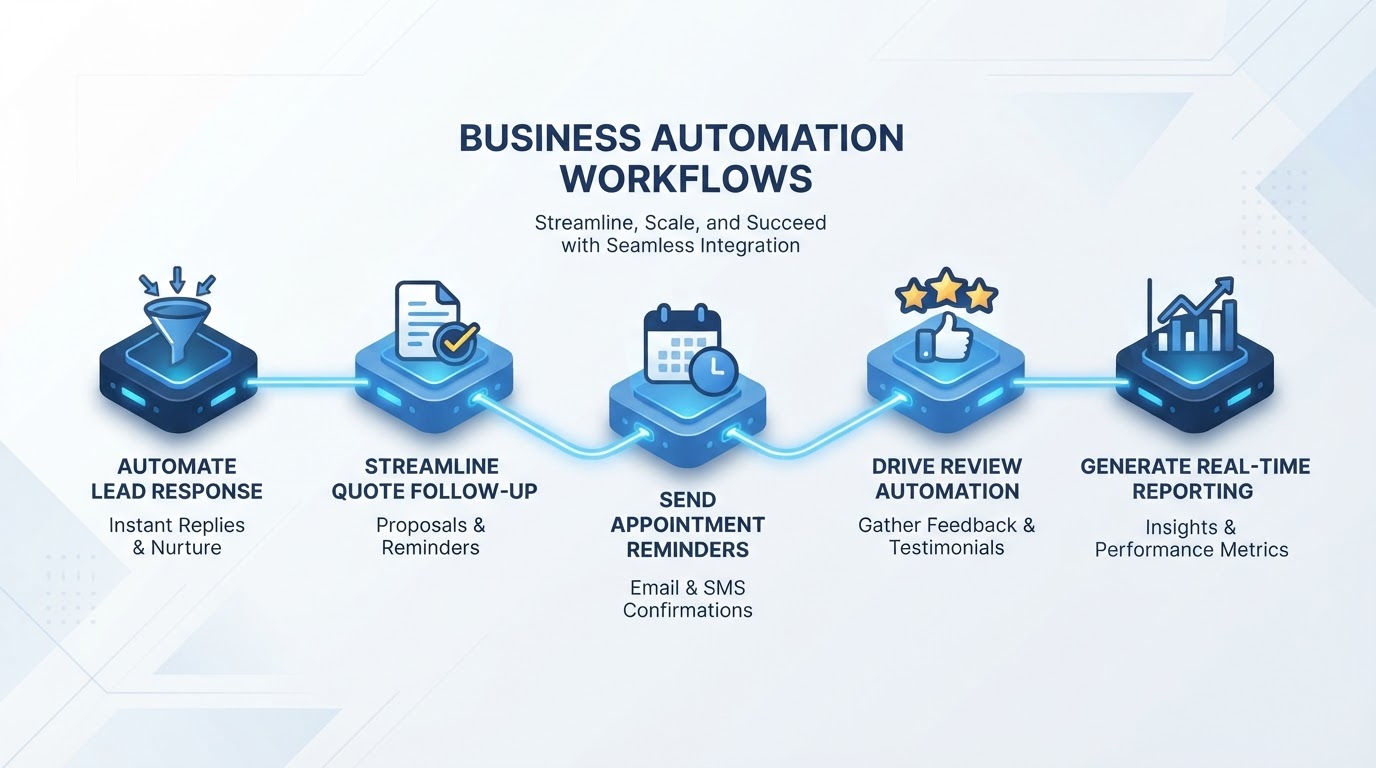
Most established businesses lose revenue not because they lack marketing, but because they lack systems. Leads come in and sit unanswered. Quotes go out and nobody follows up. Appointments get missed because nobody sent a reminder. Happy customers leave no review because nobody asked. The team is busy, but busy with the wrong things: manual admin that a system could handle automatically.
According to Deloitte research, 60-70% of administrative tasks in service businesses are repetitive and rule-based. These are tasks that follow predictable patterns and can be automated. When you automate them, your team handles more volume without adding headcount, and revenue that was leaking through the cracks gets recovered. Here are the five automations that deliver the most value for the least effort.
60-70%
of admin tasks in service businesses are repetitive and automatable, per Deloitte operational automation research
Workflow 1: Automated Lead Response
When a potential customer fills out a form on your website, sends an email, or leaves a voicemail, the clock starts ticking. Research from Harvard Business Review found that companies that respond to leads within 1 hour are 21x more likely to qualify them compared to companies that respond after 30 minutes. Yet most service businesses take hours or even days to respond, because the team is on jobs, in meetings, or off the clock.
An automated lead response workflow solves this. The moment an enquiry arrives, the system sends a personalised text message and email within 60 seconds. The message acknowledges the enquiry, sets expectations on response time, and can ask a qualifying question to keep the conversation moving. The lead is also logged in your CRM automatically, with a notification sent to your team so nothing falls through the cracks.
How to Build It
- Connect your website forms, email inbox, and phone system to your CRM so every enquiry creates a contact record automatically.
- Set up an instant SMS and email response template that acknowledges the enquiry and sets expectations (e.g. 'Hi [Name], thanks for reaching out. We have your details and will call you within 2 hours. In the meantime, what is the best time for you?').
- Trigger a team notification via SMS, email, or team chat so someone knows to follow up personally.
- If the lead has not been contacted within 2 hours, send an automatic follow-up message offering alternative ways to connect (e.g. a booking link).
21x
higher qualification rate for leads contacted within 1 hour versus after 30 minutes, per Harvard Business Review
Workflow 2: Quote Follow-Up Sequences
You send a quote. The customer says they will think about it. You mean to follow up, but the next job takes priority. By Friday, the quote is cold. By the following week, the customer has gone with a competitor who followed up faster. This happens in every service business, and it costs more than most owners realise.
An automated quote follow-up sequence keeps every quote warm without adding admin work. When a quote is sent, the system automatically sends a series of touchpoints over 10 days: a check-in email after 2 days, a text message after 5 days, and a final email after 8 days. If the customer has not responded by day 10, the system flags them for a personal call.
How to Build It
- When a quote is marked as sent in your CRM, trigger an automated email 2 days later asking if the customer has questions or needs clarification.
- Send an SMS on day 5 with a brief, friendly nudge (e.g. 'Hi [Name], just checking in on the quote we sent. Any questions we can answer?').
- Send a final email on day 8 offering to adjust the scope or schedule a call to discuss.
- If no response by day 10, flag the quote in your CRM for a personal phone call from your team.
Businesses that implement this workflow typically recover 15-25% of quotes that would otherwise have gone cold. That is revenue you already spent money to generate, recovered without any additional marketing spend.
Workflow 3: Appointment Reminders
No-shows are one of the most frustrating forms of revenue leakage. A customer books a slot, your team blocks out the time, and the customer does not show up. The slot is lost. The revenue is lost. The team's time is wasted. According to research across healthcare and service industries, no-show rates average 18-20% without reminders.
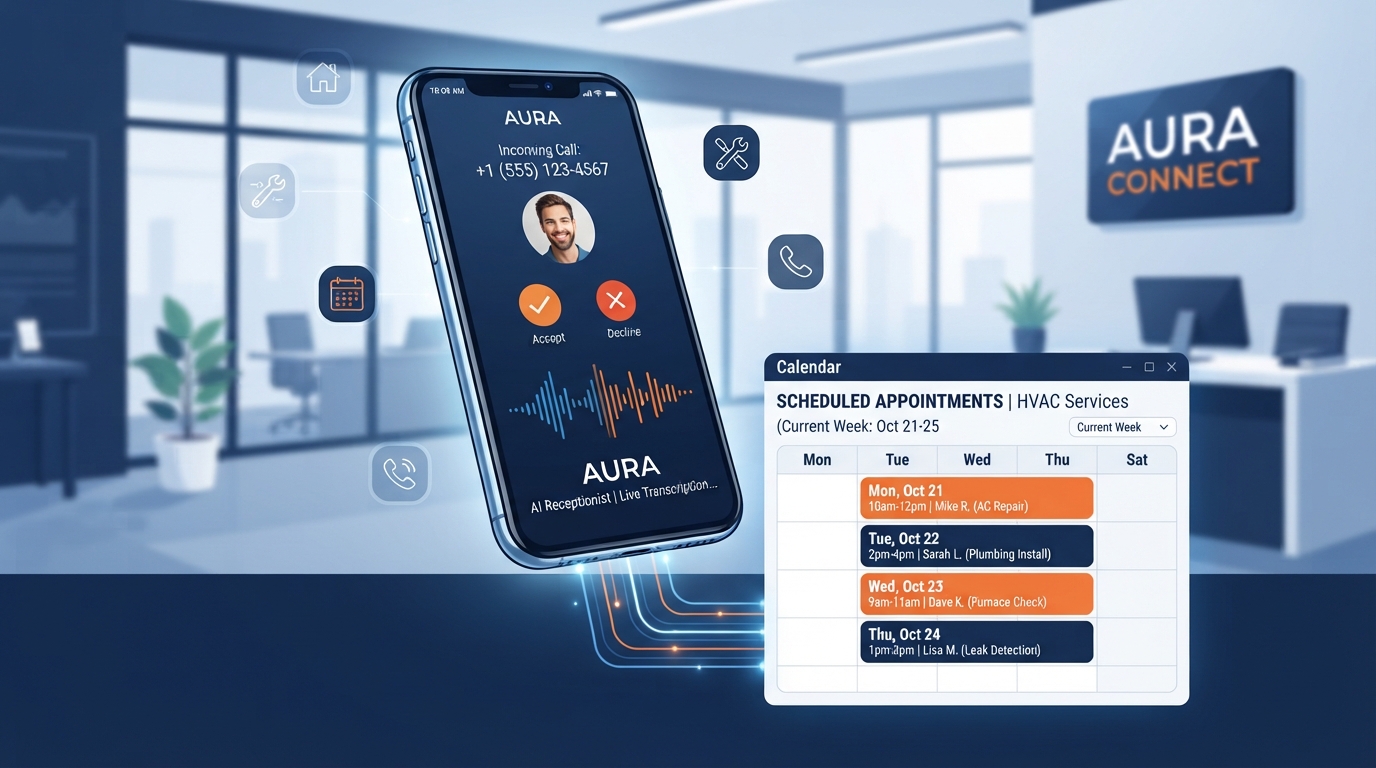
Automated appointment reminders reduce no-show rates by up to 35%. The system sends a text message 24 hours before the appointment and a second reminder 1 hour before. If the customer needs to reschedule, the reminder includes a link to do so, which updates your calendar automatically. This fills cancelled slots with other bookings instead of leaving them empty.
How to Build It
- Send an automated SMS 24 hours before each appointment with the date, time, and address.
- Send a second SMS 1 hour before the appointment as a final reminder.
- Include a rescheduling link in both messages so customers can move the appointment without calling.
- If a customer reschedules, automatically update your calendar and send a confirmation message with the new time.
- Track no-show rates before and after implementation to measure the impact.
35%
reduction in no-show rates with automated appointment reminders
Workflow 4: Review Automation
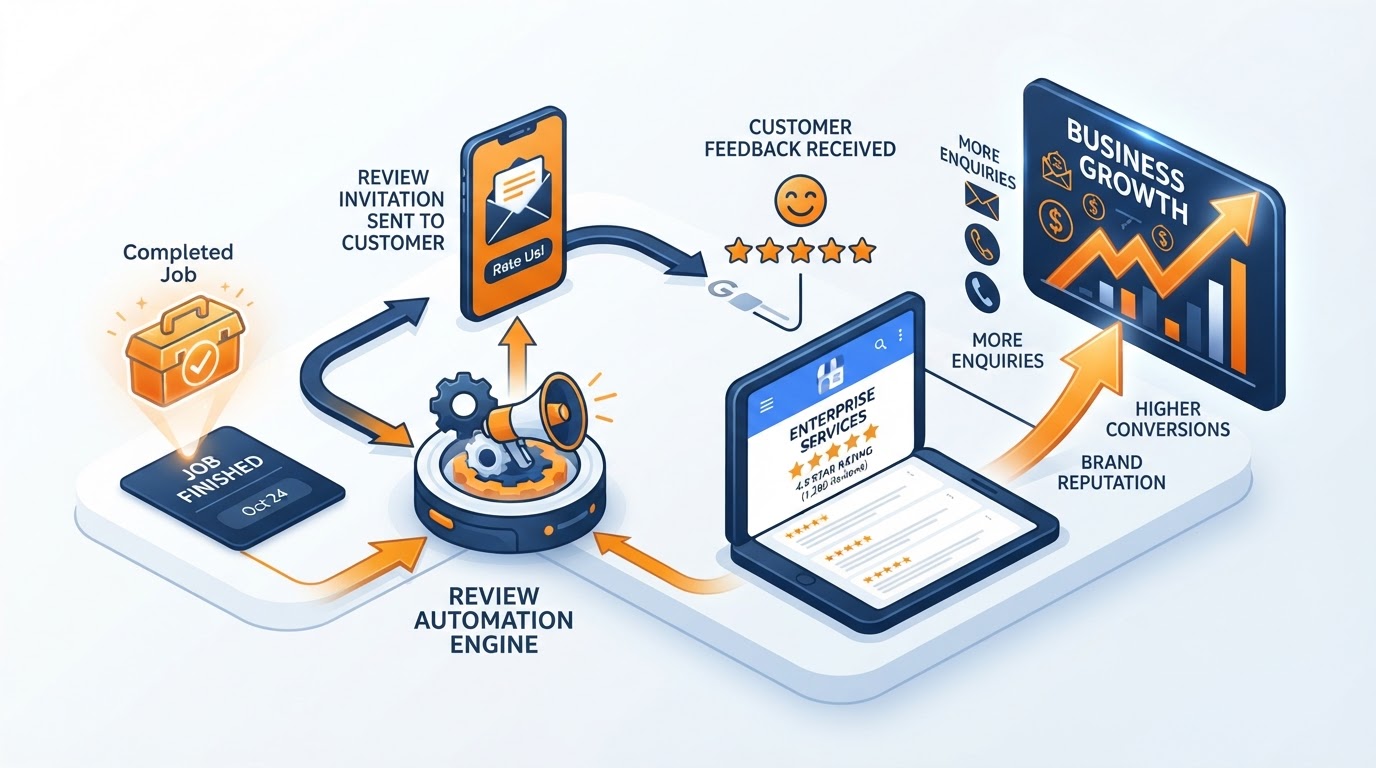
Reviews are the fastest trust signal you can build. They improve your local search ranking, increase conversion rates on your website, and influence AI search recommendations. But most businesses do not have a system for requesting reviews. They rely on happy customers to leave reviews on their own, which happens less than 5% of the time.
An automated review request workflow sends a personalised SMS and email to every customer within 24 hours of job completion, when satisfaction is highest. The message thanks them for their business and includes a direct link to your Google Business Profile review page. Because the request is automated, no satisfied customer is ever missed, and the request goes out at the optimal moment.
How to Build It
- When a job is marked as complete in your CRM, trigger an automated SMS 24 hours later with a thank-you message and a direct review link.
- Send a follow-up email 3 days later if no review has been left, with a slightly different message.
- Route all reviews to a dashboard so you can respond to each one within 24 hours, positive or negative.
- For negative reviews (1-3 stars), trigger an internal alert so your team can reach out to the customer before responding publicly.
- Track review velocity (new reviews per month) and average rating to measure the impact.
Businesses that implement automated review requests see 3-5x more reviews than those using manual requests. SMS-based requests have a 98% open rate versus 20% for email, making SMS the most effective channel for review generation.
Workflow 5: Automated Reporting
If you cannot see your numbers, you cannot improve them. Most service businesses either have no reporting or spend hours each week manually pulling data from different tools into a spreadsheet. By the time the report is ready, the data is already days old.
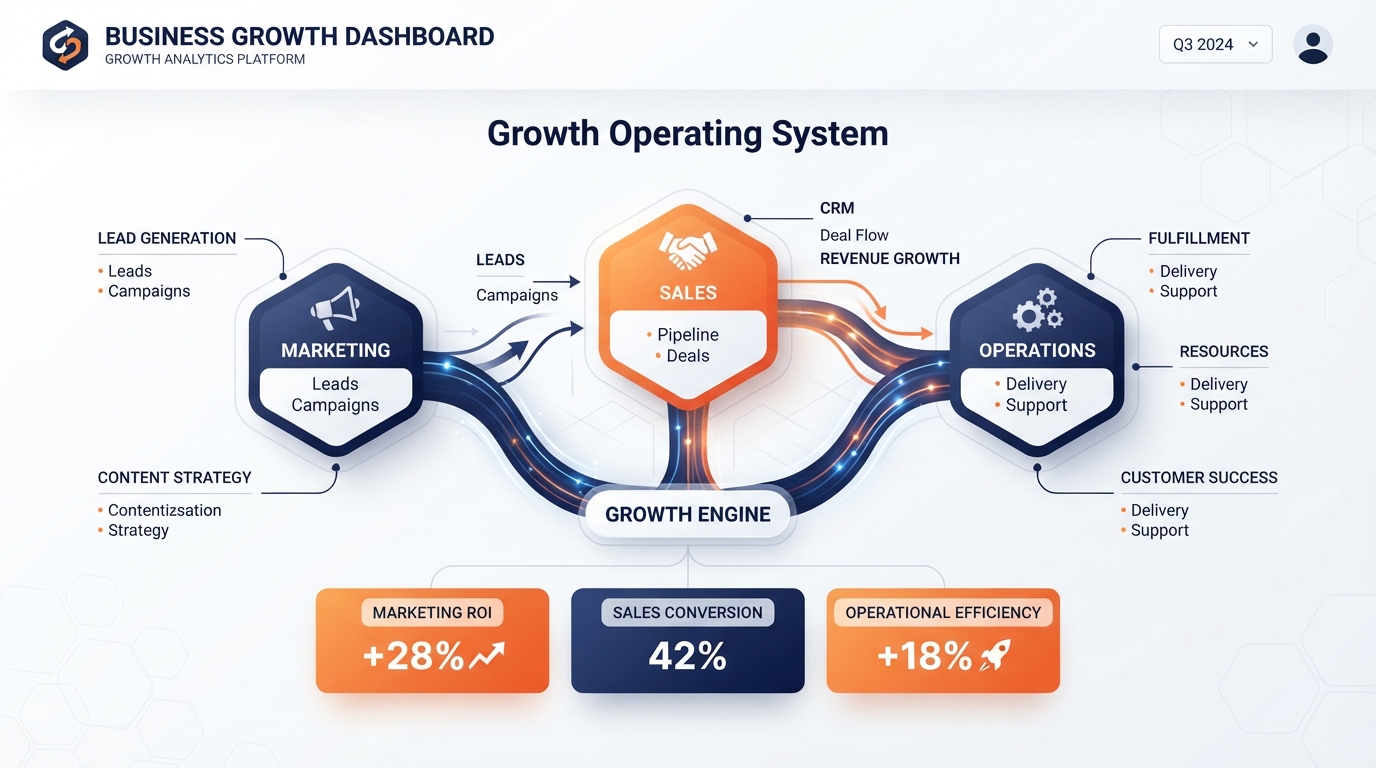
An automated reporting workflow generates a weekly or monthly dashboard automatically, pulling data from your website analytics, ad platforms, CRM, and phone system. The report shows leads, bookings, revenue, cost per acquisition, and review velocity in one view. It is delivered to your inbox every Monday morning without anyone having to build it.
How to Build It
- Connect your Google Analytics, Google Ads, CRM, and call tracking data to a single reporting dashboard.
- Define the 5-7 metrics that actually matter to your business: total leads, cost per lead, booking rate, revenue, cost per acquisition, review velocity, and no-show rate.
- Schedule an automated report to be generated and emailed every Monday morning with the previous week's data.
- Include month-over-month and year-over-year comparisons so you can see trends, not just snapshots.
- Set up alerts for anomalies: if leads drop by 30% in a week or cost per lead spikes, send an immediate notification.
The businesses that scale profitably are not the ones with the most tools. They are the ones whose tools talk to each other and handle the predictable work automatically.
— Business Relauncher Growth Team
The Combined Impact
Individually, each of these workflows saves a few hours per week and recovers a modest amount of revenue. Together, they transform how your business operates. A typical service business implementing all five sees:
- 15+ hours per week saved on manual admin tasks
- 15-25% of cold quotes recovered through automated follow-up
- 35% reduction in no-shows through appointment reminders
- 3-5x more reviews through automated requests
- 21x higher lead qualification rate through instant response
- Complete visibility into business performance through automated reporting
The combined effect is that your existing team can handle significantly more volume without adding headcount, your marketing spend becomes more efficient because fewer leads are lost, and your profit margins improve because admin costs do not scale with revenue.
Getting Started
You do not need to build all five at once. Start with the workflow that addresses your biggest revenue leak. If you are losing leads because of slow response, start with automated lead response. If quotes are going cold, start with quote follow-up. If no-shows are killing your schedule, start with appointment reminders.
Each workflow takes 1-2 weeks to implement and starts producing results immediately. Once one is running smoothly, add the next. Within 8-10 weeks, your business will have a connected automation layer that handles the predictable work so your team can focus on the work that actually requires human judgement.